
Do you have any questions?

Robust operating solutions for industrial applications

Reliable. Flexible. HEMATEC.
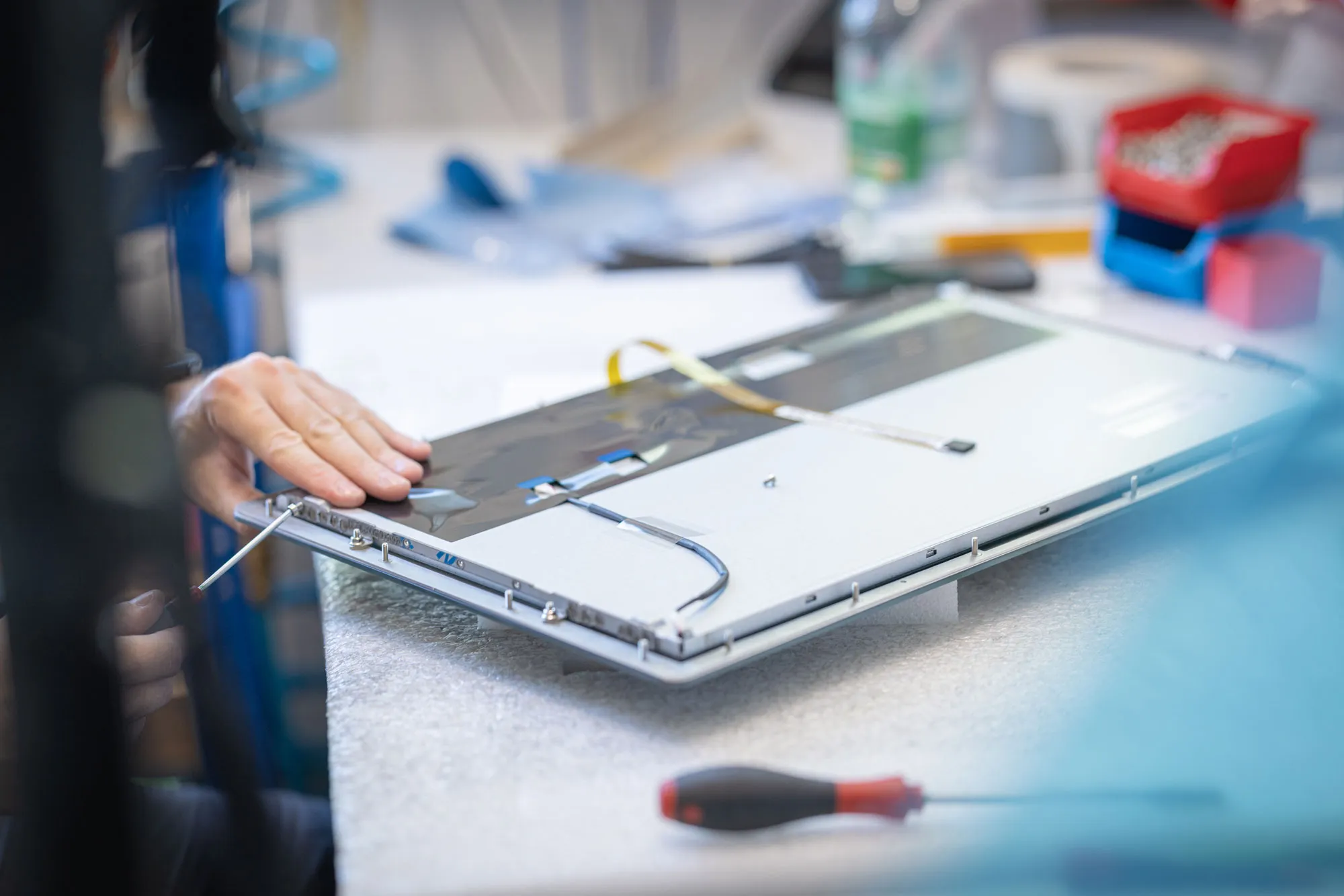
Panel PCs Gruppe Zusammenbau Scheibe und Display

Industrial Panel PCs

Reliable. Robust. Customizable.

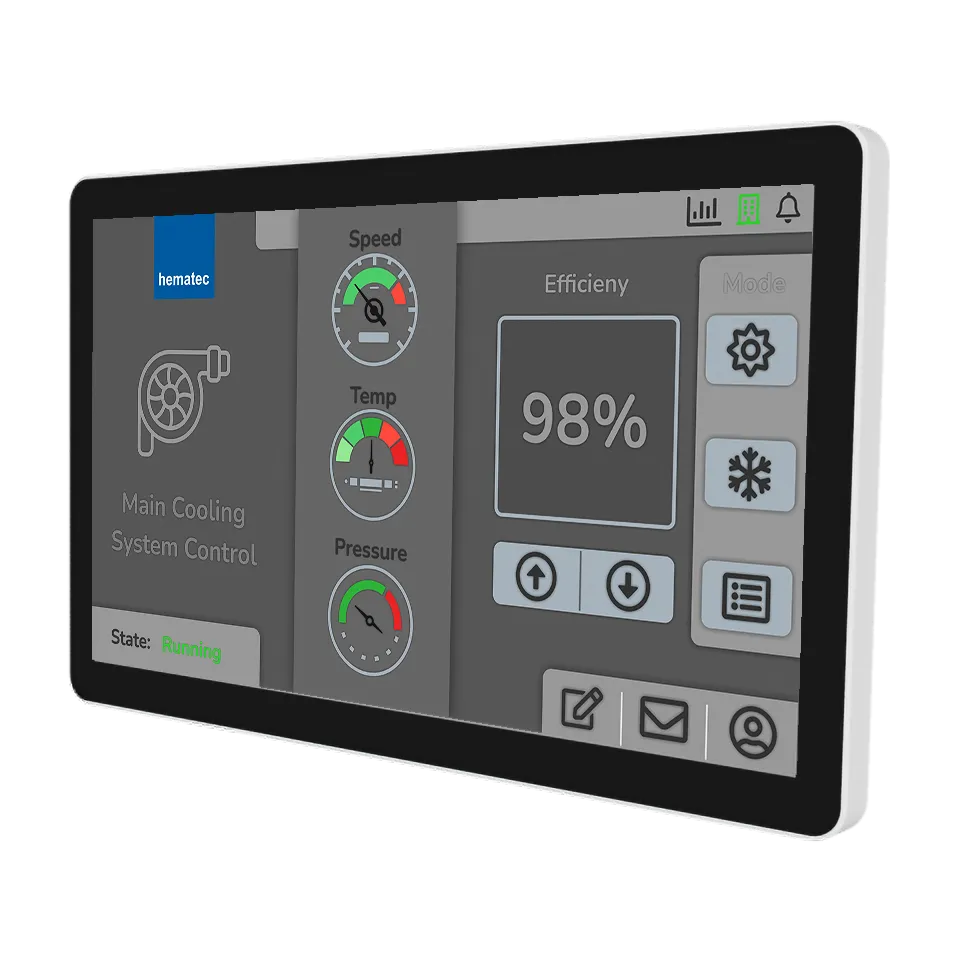
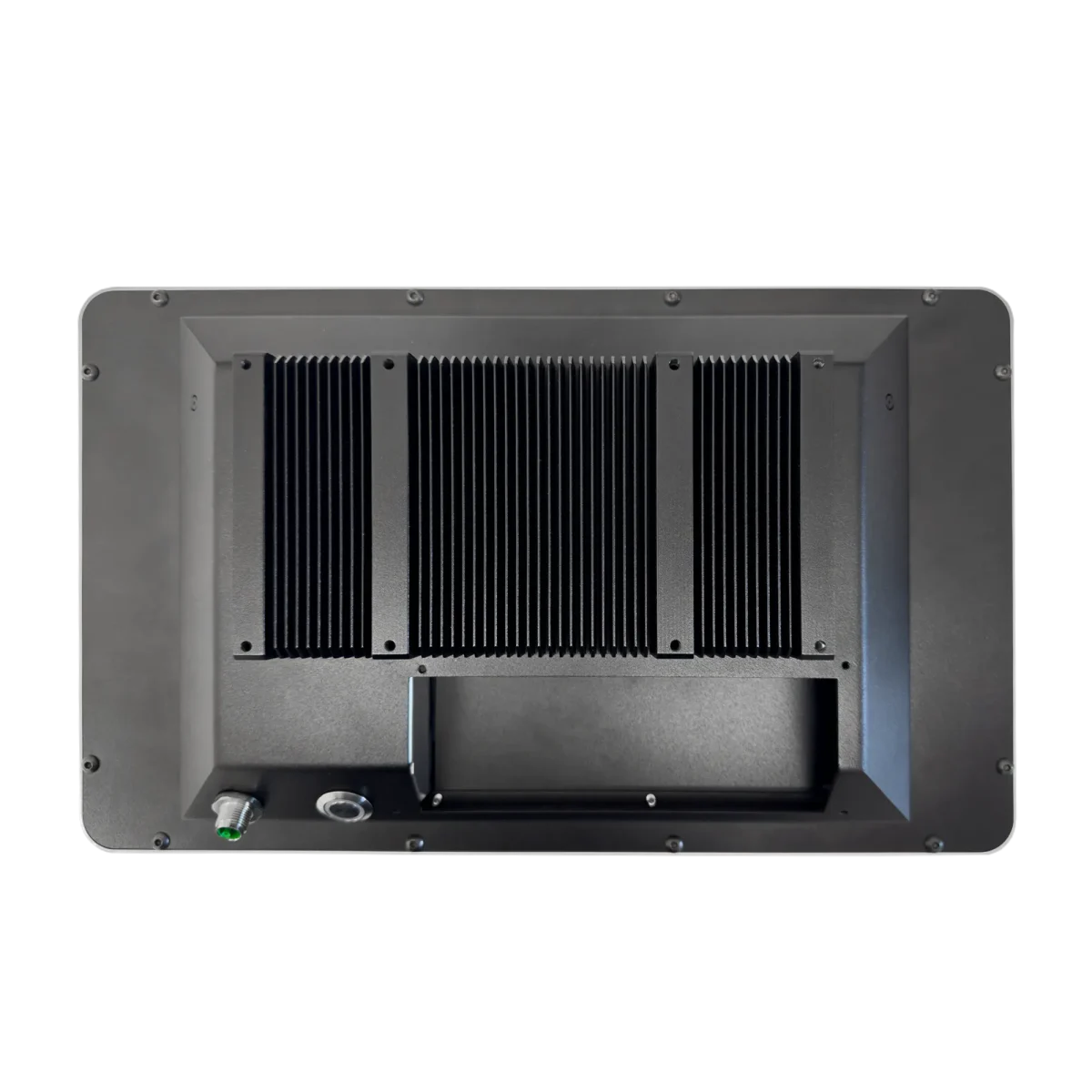
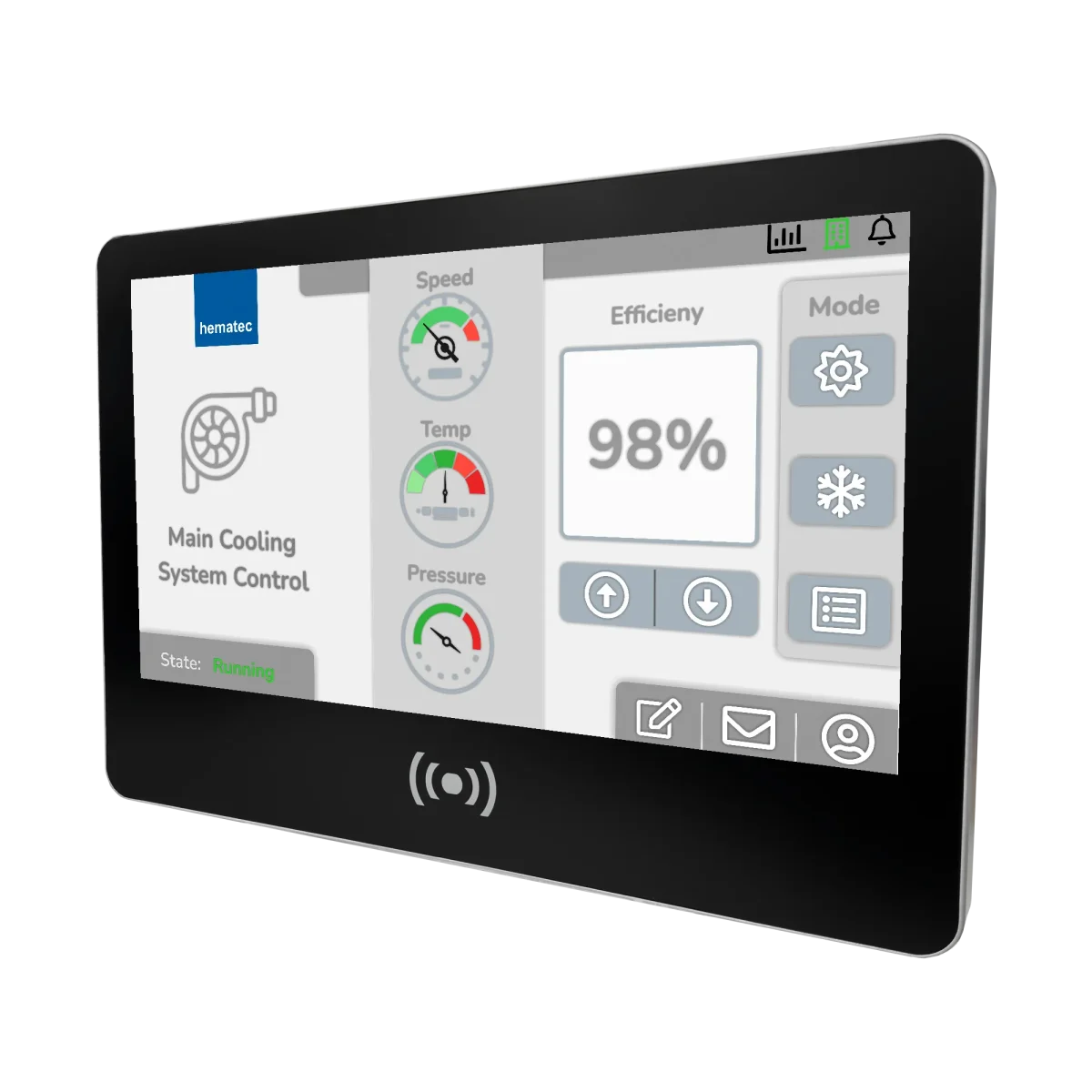
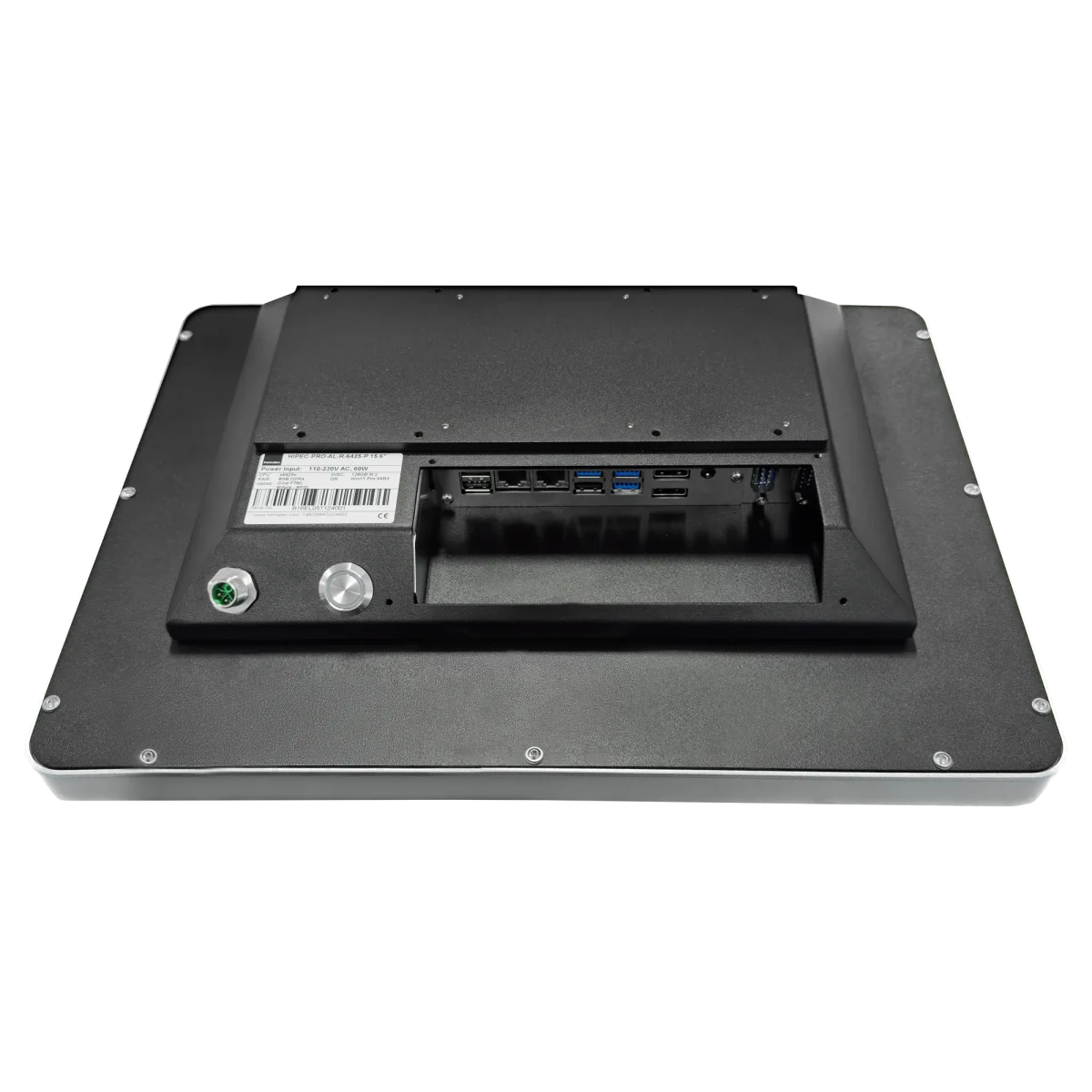
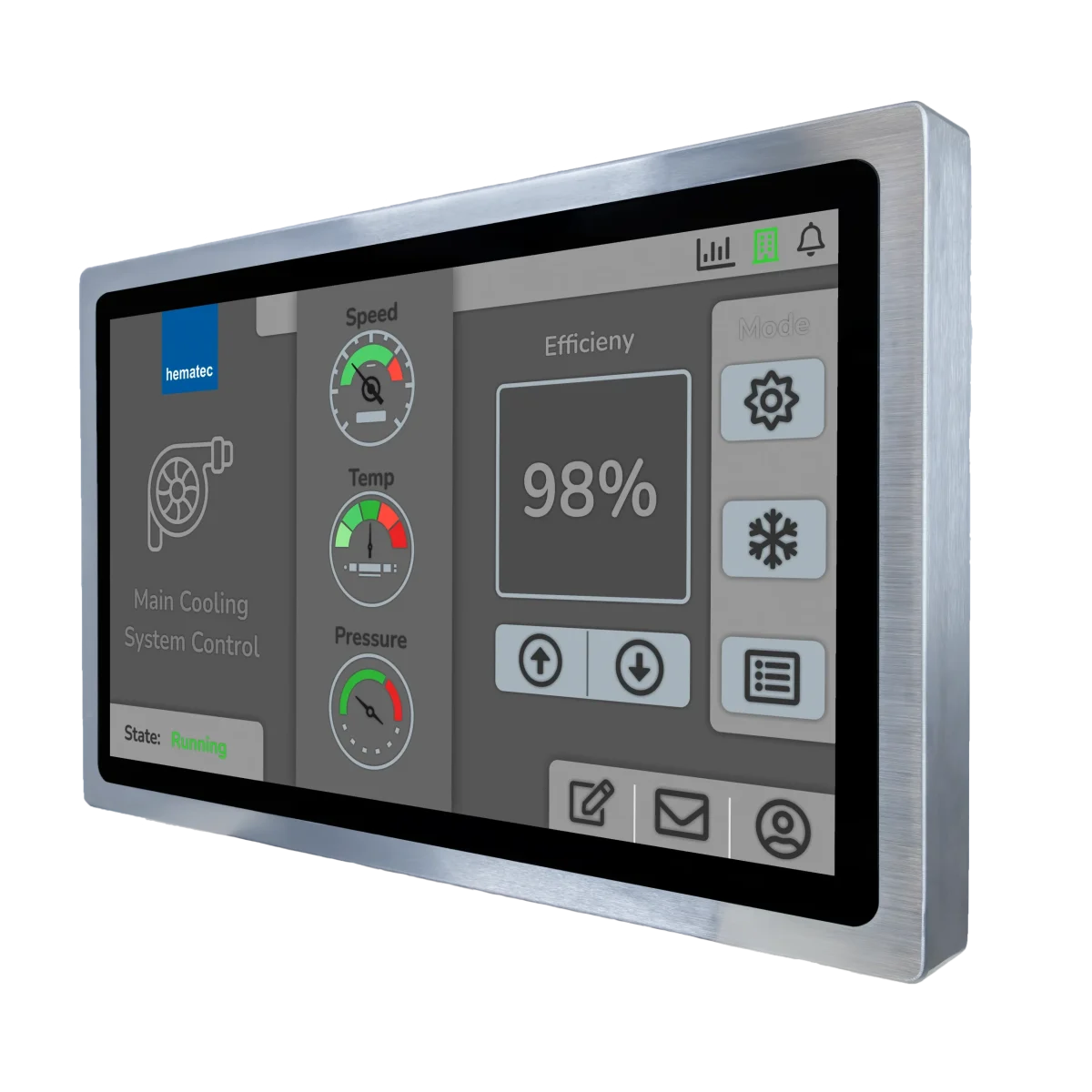
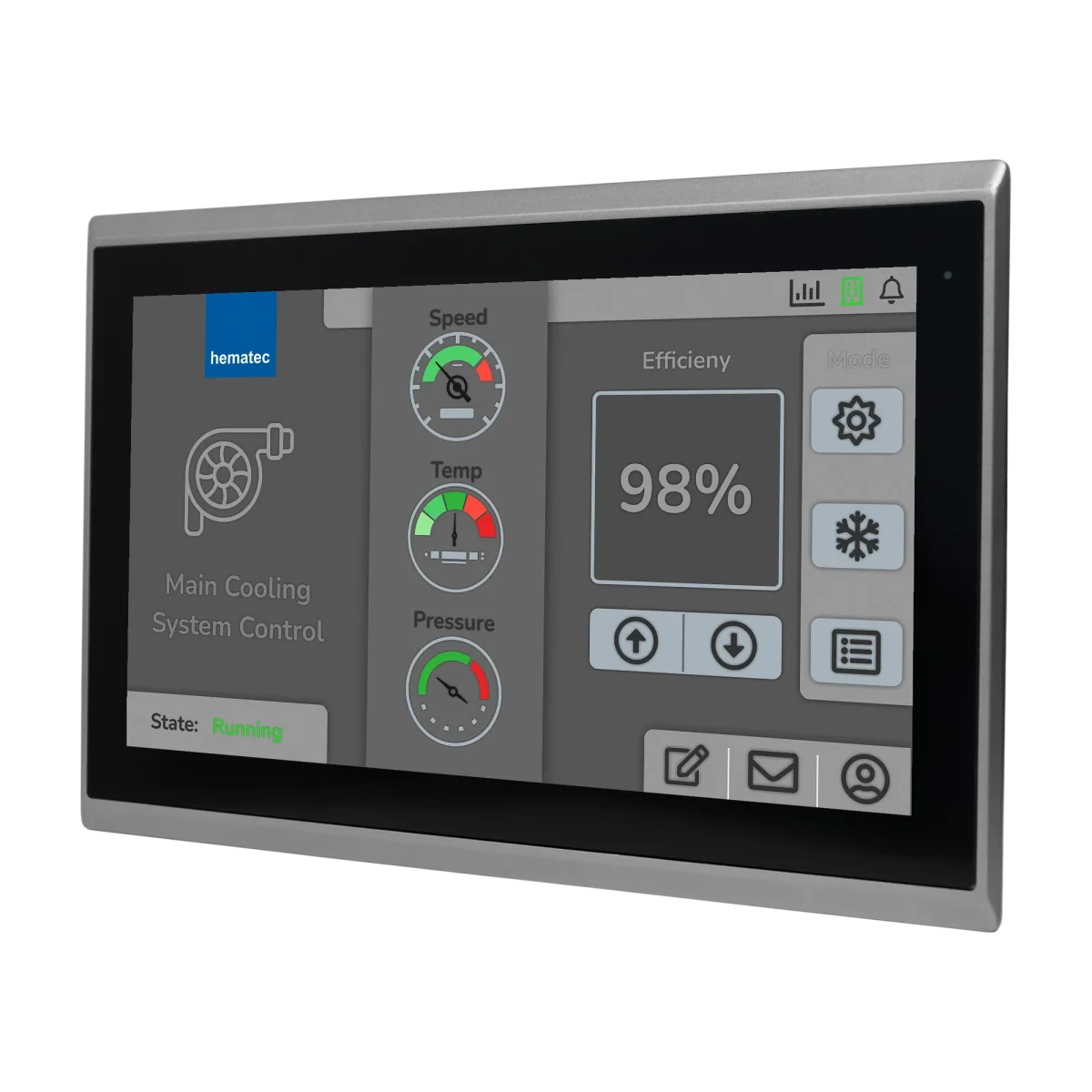
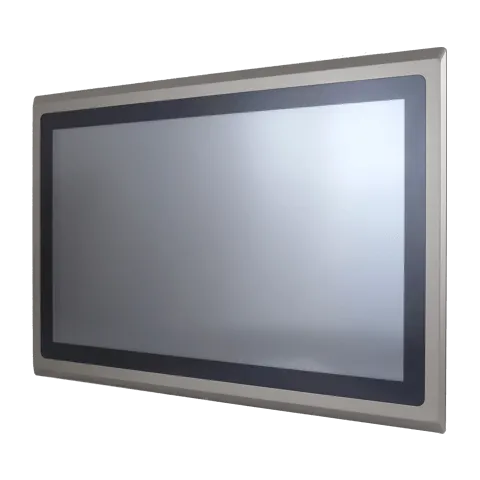
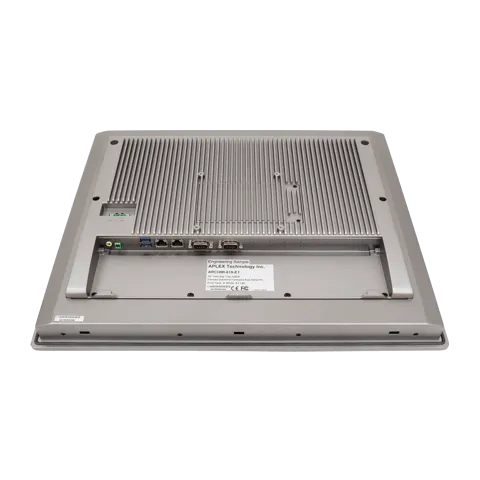
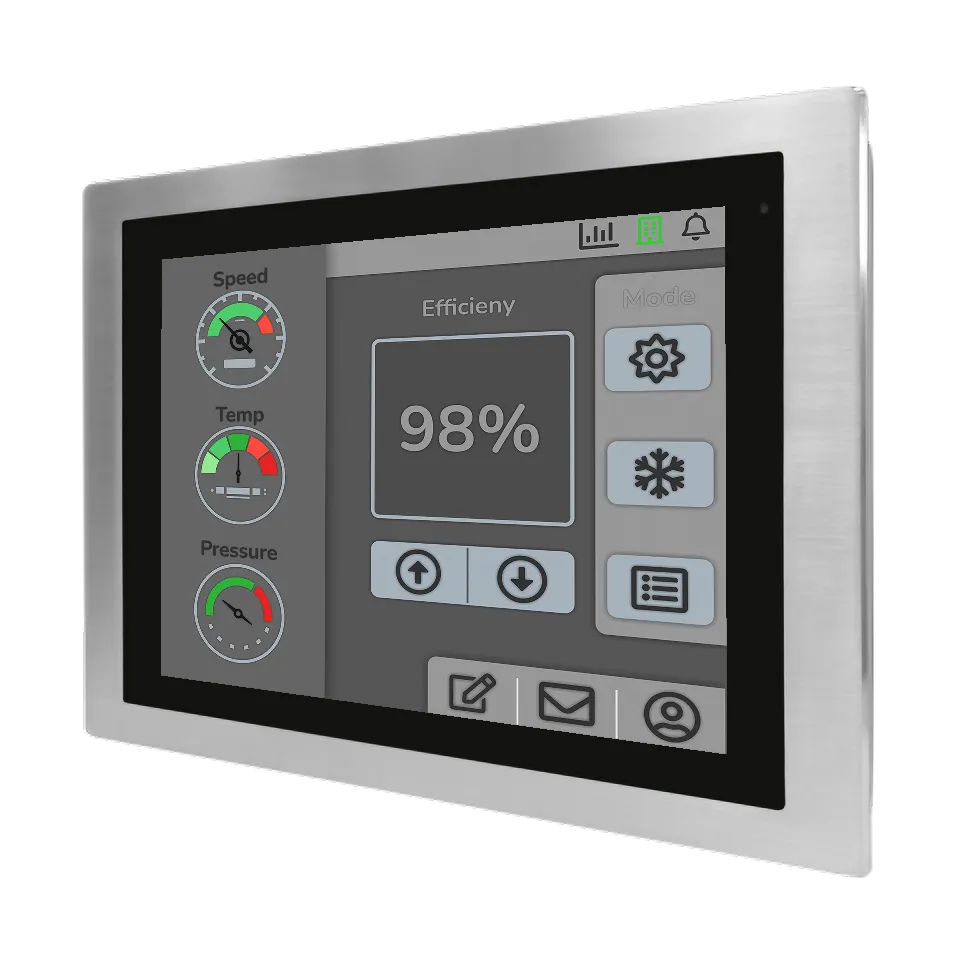
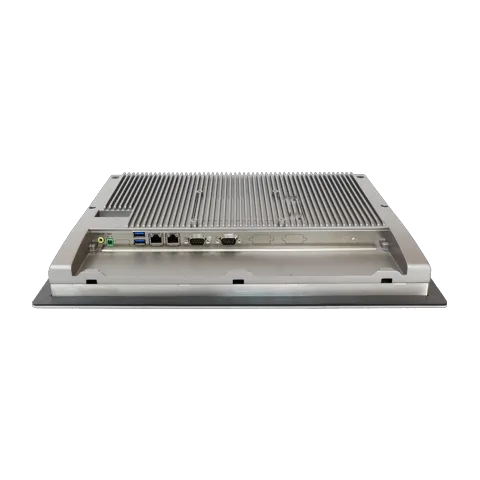
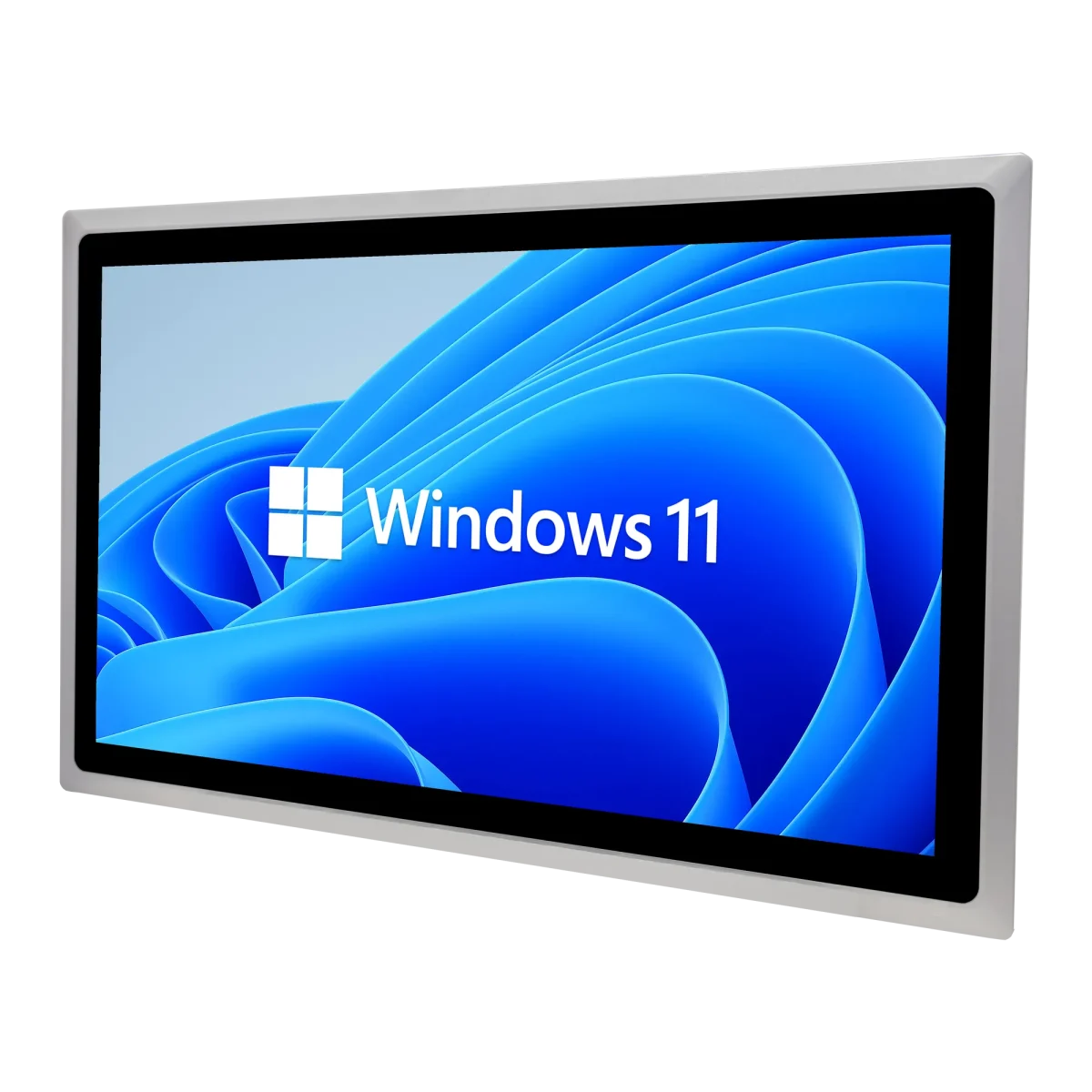
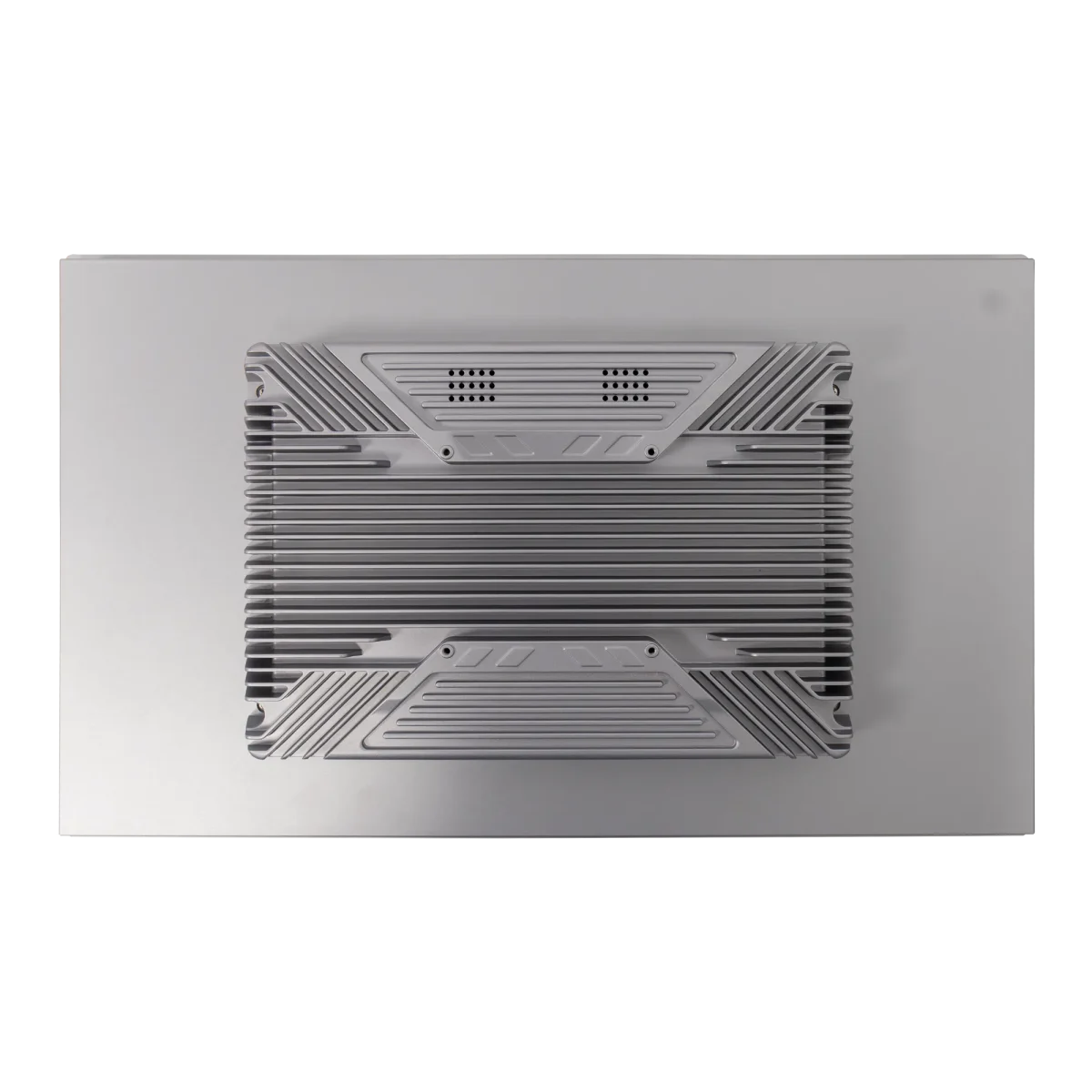
Fanless and robust industrial panel PCs in various display sizes - ideal for continuous operation, control cabinet construction and demanding HMI applications.

The Industrial Panel PCs from hematec stand for durable and reliable systems with an excellent price-performance ratio. Right from the design and selection of suitable components for hematec Panel PCs, we focus on reliable 24/7 operation, even under adverse conditions. Exclusively proven industrial components are used. Furthermore, all devices undergo intensive quality and stress tests.

There are various types of Industrial Panel PCs. They are generally differentiated by performance, screen size, mounting type, and design. In addition, there are other versions of Panel PCs, for example, for outdoor use, for use in vehicles such as forklifts or agricultural utility vehicles, or Panel PCs for use in hazardous areas. All hematec Panel PCs are protected at least on the front according to protection class IP65 – against dust and splashing water – and a large proportion of the Panel PCs even meet this restrictive standard all around, thus enabling use under extreme environmental conditions. Furthermore, most device series can be supplied with a stainless steel front or a complete stainless steel housing to meet all requirements in the food, chemical, or pharmaceutical industries.

Up to 5 years warranty*

Industrial quality

Long-term availability

Customized solutions

Performance
Prozessor
Displaygröße
Auflösung
Seitenverhältnis
Touchscreen
Arbeitsspeicher
Massenspeicher
Schutzart
Bauform
Betriebstemperatur
Schnittstellen
Erweiterungsslots
Betriebssystem
Montage
Optionen
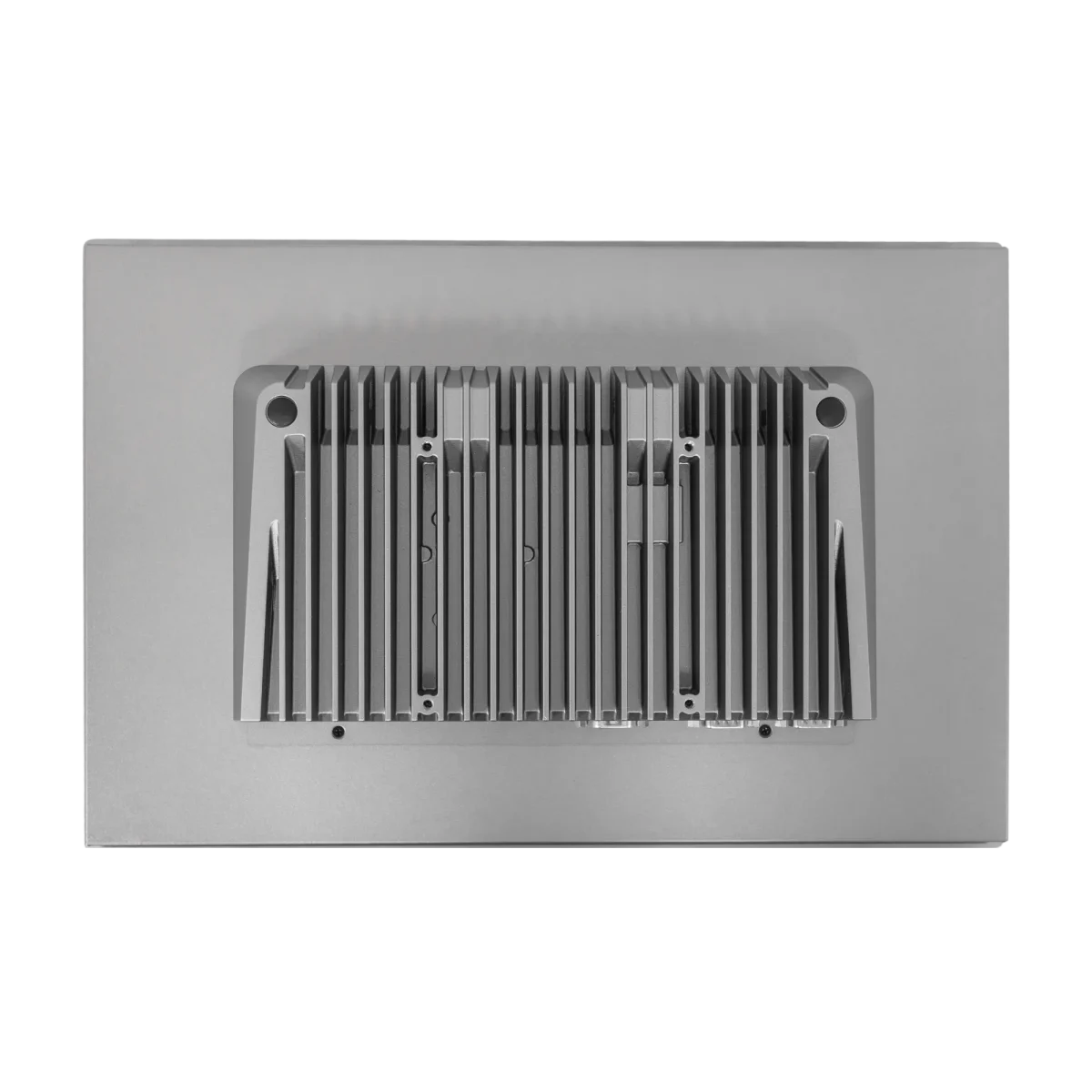
  • HIPEC-PRO-AL-2250Back Top HIPEC-PRO-AL-2250

    HIPEC-PRO-AL-2250 Series

    • Display sizes 12" to 21.5"
    • Intel 11th Gen. Core i5
    • IP65 front protection
    • Support for Windows 11
    • Aluminum housing
    mehr Infos
  • HIPEC-PRO-AL-2250Back Top HIPEC-PRO-AL-2250

    HIPEC-PRO-AL-6425 Series

    • Display sizes 10.1" to 21.5"
    • Intel® Elkhart Lake x6425e / J6412 Quad-Core CPU
    • IP65 front protection
    • Support for Windows 11
    • Aluminum housing
    mehr Infos
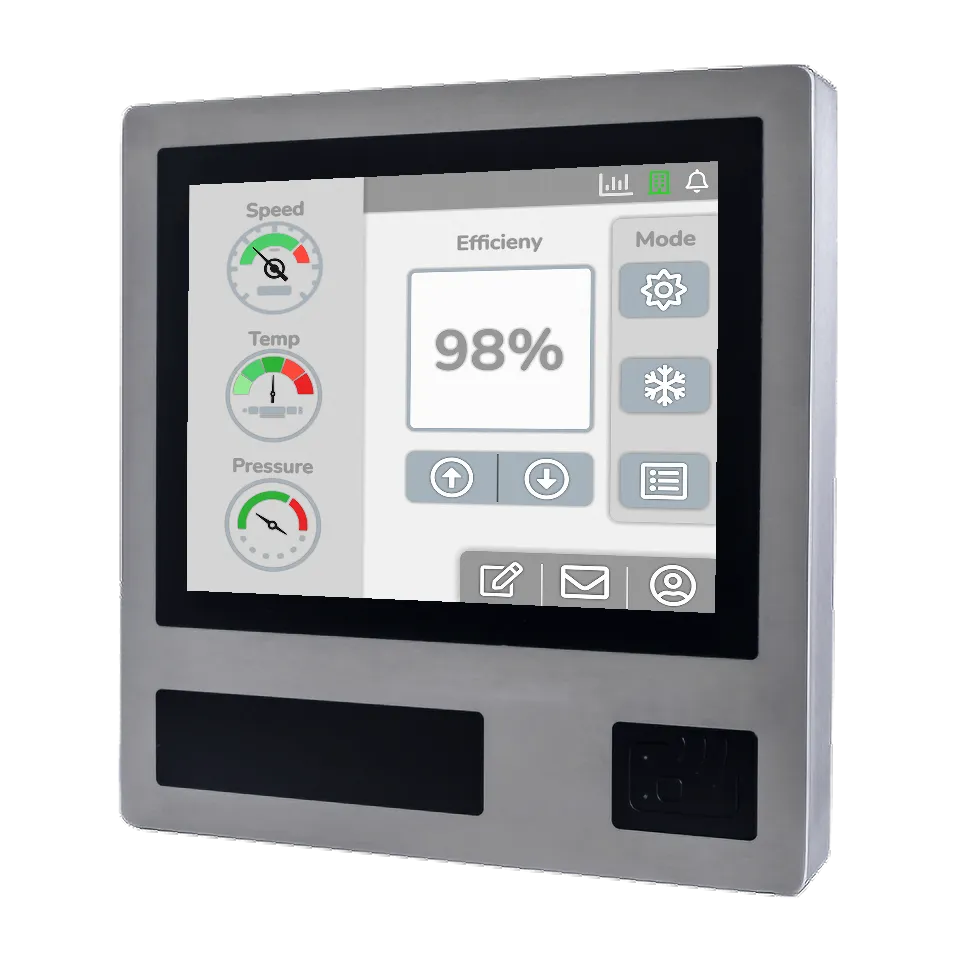
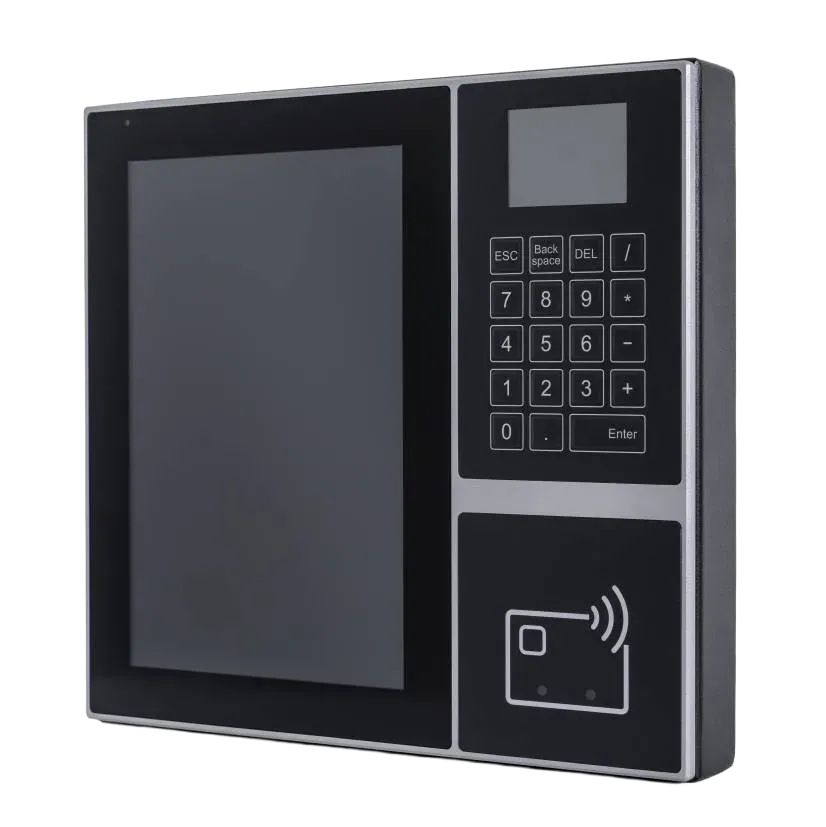
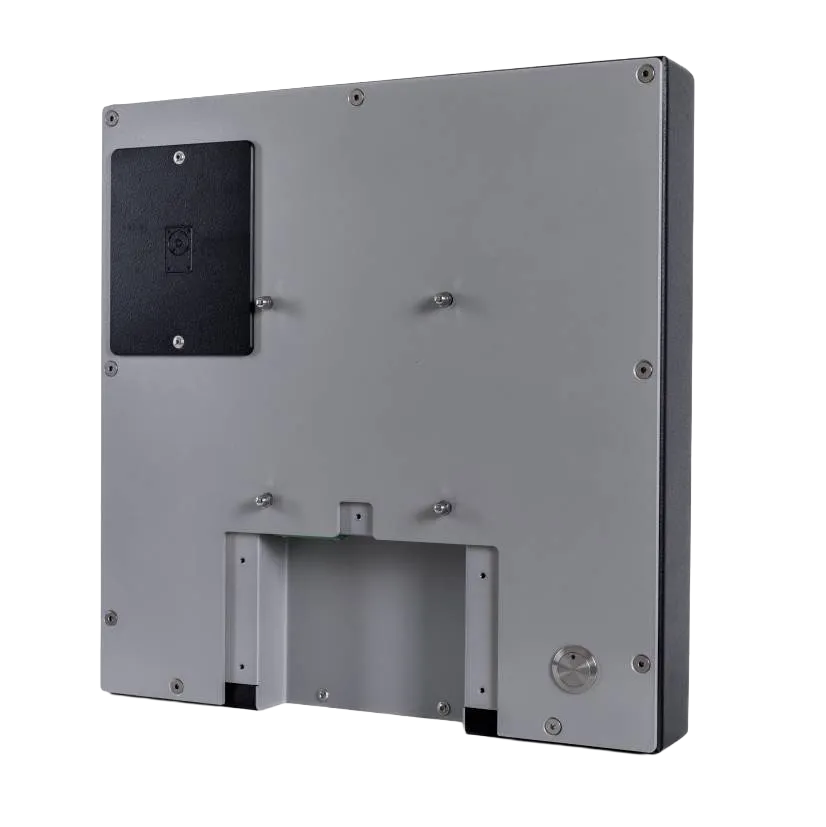
  • Front HIPEC-PRO-AL-R-6425 Front StadaFront HIPEC-PRO-AL-R-6425 Rear

    HIPEC-PRO-AL-R-2250 Series

    • Display sizes 15.6″ & 21.5″
    • Intel 11th Gen. Core i5
    • IP65 front protection
    • Support for Windows 11
    • Aluminum housing with RFID reader
    mehr Infos
  • Front HIPEC-PRO-AL-R-6425 Front StadaFront HIPEC-PRO-AL-R-6425 Rear

    HIPEC-PRO-AL-R-6425 Series

    • Display sizes 15.6″ & 21.5″
    • Intel® Elkhart Lake x6425e / J6412 Quad-Core CPU
    • IP65 front protection
    • Support for Windows 11
    • Aluminum housing with RFID reader
    mehr Infos
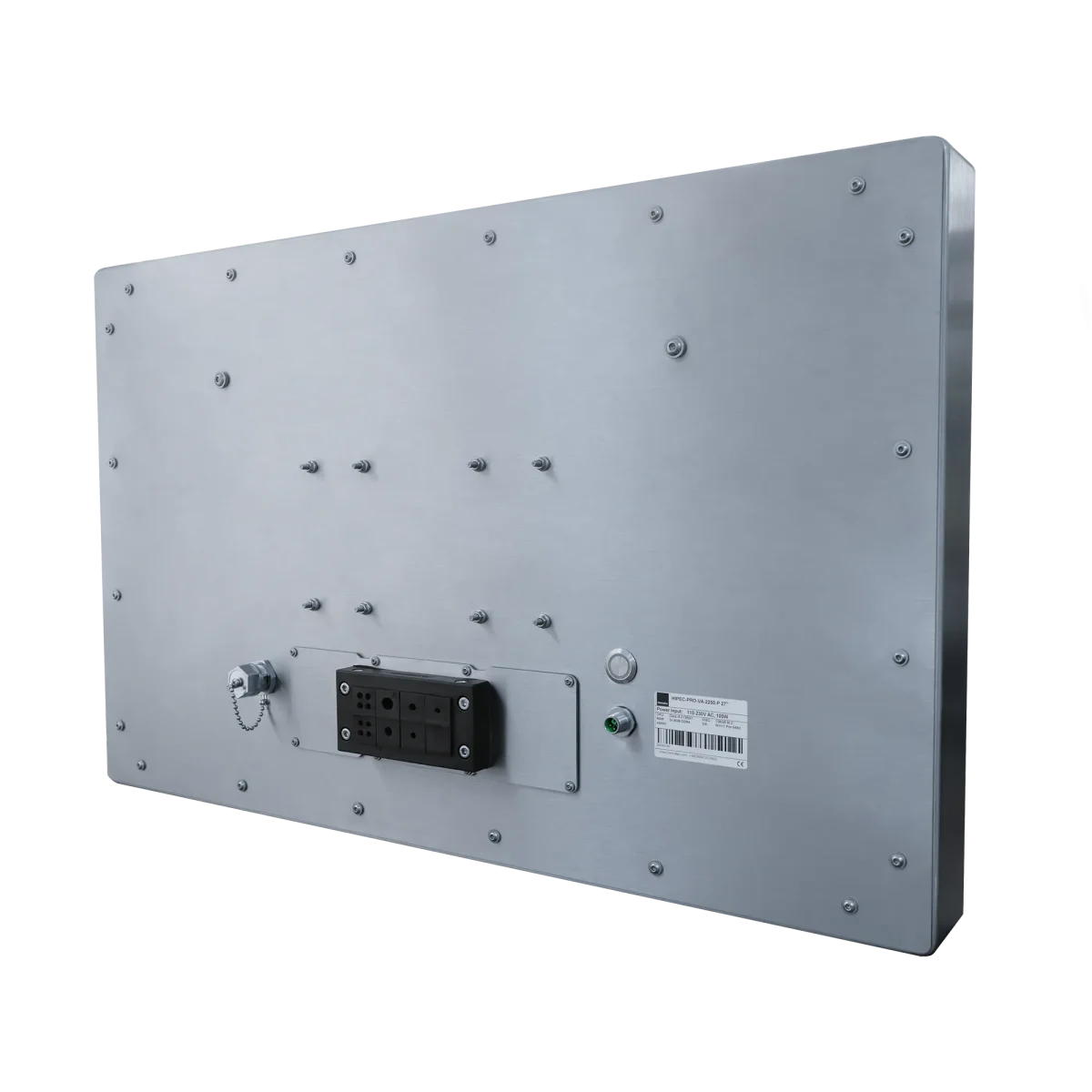
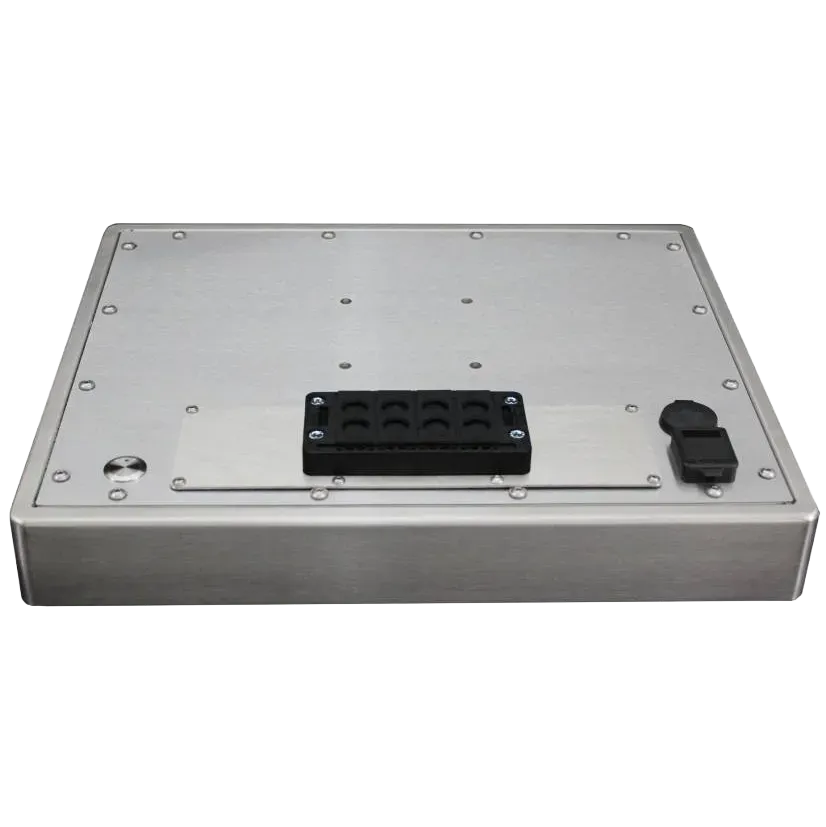
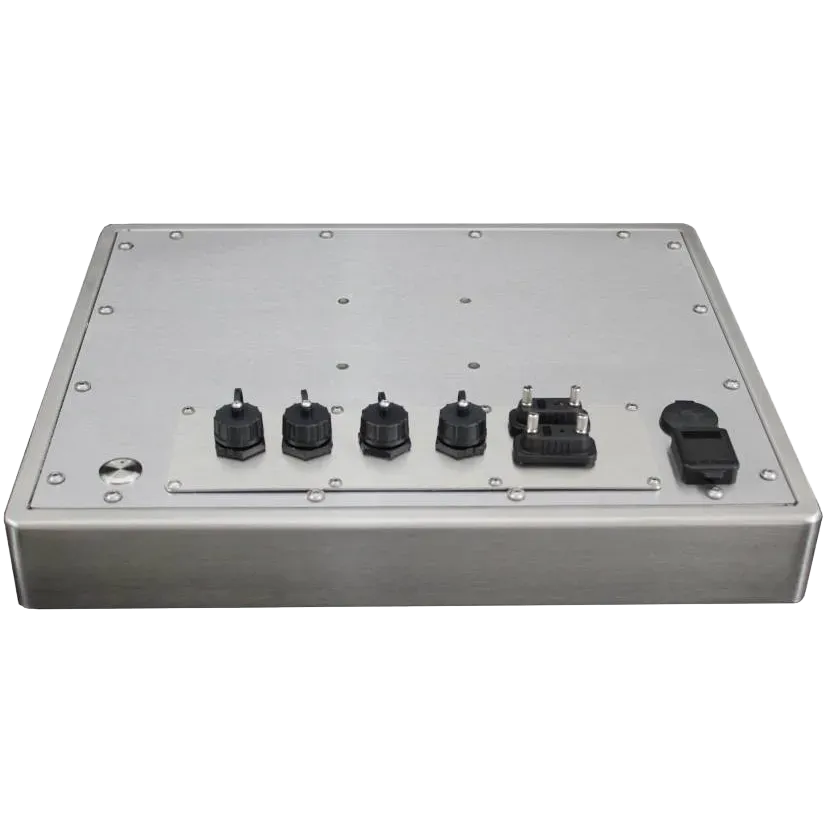
  • HIPEC-PRO-VA-2250-scaledBack Side HIPEC-PRO-VA-2250

    HIPEC-PRO-VA-2250 Series

    • Display sizes 12" to 27"
    • Intel Core i5 CPU 11th Generation
    • All-round IP65 protection
    • Support for Windows 11
    • Stainless steel housing (V2A/ optional V4A)
    mehr Infos
  • HIPEC-PRO-VA-2250-scaledBack Side HIPEC-PRO-VA-2250

    HIPEC-PRO-VA-6425 Series

    • Display sizes 10" to 27"
    • Intel® Elkhart Lake x6425e / J6412 Quad-Core CPU
    • All-round IP65 protection
    • Support for Windows 11
    • Stainless steel housing (V2A)/ optional V4A
    mehr Infos
  • HIPEC-PRO-VA-R-2250HIPEC-PRO-VA-R-17X0 back

    HIPEC-PRO-VA-R-2250 Series

    • Display sizes 12" to 27"
    • Intel® Core i5-1135G7 (2x 2.40 - 4.20 GHz) CPU
    • All-round IP65 protection
    • Support for Windows 11
    • Stainless steel housing & RFID reader
    mehr Infos
  • HIPEC-PRO-VA-R-2250HIPEC-PRO-VA-R-17X0 back 2

    HIPEC-PRO-VA-R-6425 Series

    • Display sizes 10" to 27"
    • Intel® Elkhart Lake x6425e / J6412 Quad-Core CPU
    • All-round IP65 protection
    • Support for Windows 11
    • Stainless steel housing & RFID reader
    mehr Infos
  • Front SMART-BDE-3950 SeriesBack SMART-BDE-3950 Series

    SMART-BDE-6425 Series

    • Display sizes 10.1"
    • Intel® Elkhart Lake x6425e / J6412 Quad-Core CPU
    • IP65 front protection
    • Support for Windows 11
    • RFID reader
    mehr Infos
  • Front Scada SMART-HMI-1235Back Top SMART-HMI-1235

    SMART-HMI-1235 Series

    • Display sizes 10″ to 23.8″
    • 12th Generation Intel Core i5-1235U
    • IP65 front protection
    • Windows 11 Support
    • Die-cast aluminum housing
    mehr Infos
  • Front Side SMART-HMI-6412Back SMART-HMI-6412

    SMART-HMI-6412 Series

    • Display sizes 7" to 23.8"
    • Intel Celeron J6412 Quad-Core
    • IP65 front protection
    • Support for Windows 11
    • Die-cast aluminum housing
    mehr Infos
  • Front Side SMART-HMI-VA-6412Back SMART-HMI-VA-6412 Back

    SMART-HMI-VA-6412 Series

    • Display sizes 7" to 21.5"
    • Intel Celeron J6412 Quad-Core
    • IP65 front protection
    • Support for Windows 11
    • Stainless steel front
    mehr Infos
  • VALUE-HMI-6412 Front Side WindowsVALUE-HMI-6412 Back Top

    VALUE-HMI-6412 Series

    • Display sizes 10.1" to 21.5"
    • Intel Celeron J6412 Quad-Core
    • 8GB DDR4 RAM
    • 256GB M.2 SSD
    • Support for Windows 11
    mehr Infos

Still haven't found the right device?

Individual solutions

Haven’t found the right product for you among our standard products? Then take us at our word that we will always find a suitable solution.
We have developed well over 150 adapted or individual products and solutions together with our customers.

Thanks to our in-house design department and prototype construction, as well as efficient supply chains, we can realize your tailor-made product cost-effectively and quickly.

You ask. We answer.

How to find the right panel PC for your application

Below we will give you a few guidelines for selecting a suitable panel PC for your application.
Our customer advisors are of course also available to advise you at any time.

When it comes to choosing the right industrial panel PC, not only the size, performance or other equipment features play a role, but also the design or the housing version should be taken into account.

The first question should certainly be – How should the panel PC be mounted?
Do you want to install the device in a control cabinet? Is free-standing or suspended mounting required? Or should the panel PC be installed in a wall?

Once the decision has been made for a mounting type, the required performance should be considered. In principle, sufficient power reserves are always an advantage, but can become a cost factor, especially with 24×7 use, due to the higher energy consumption.

Furthermore, the display size and display resolution are an important factor so that the applications can be displayed correctly and operated intuitively.

The intended operating location and environmental conditions should also be examined more closely. Can the Panel PC come into contact with water, oil, or other liquids? Will there be contamination from machining operations such as planing, milling, grinding, or cutting? These factors are crucial for selecting the correct IP protection class.

Mounting - how should the panel PC be installed

The mounting types are generally divided into built-in mounting (mounting in a cutout in the control cabinet, desk or panels), rack mounting – or also called 19″ mounting – (mounting in the 19″ cabinet or 19″ housing), VESA or swivel arm mounting (fastening using wall brackets, swivel arm or on a stand) and open-frame mounting (panel PC without front panel for integration into its own housing). Furthermore, as a special form, which is mainly used in building automation, there is also wall-mounting, in which the panel PCs are embedded in the masonry or lightweight wall using a mounting box.

More computing power often means higher energy consumption and rising operating costs for industrial panel PCs. Higher performance also leads to greater heat generation. The waste heat must be dissipated effectively, especially when installed in closed housings (e.g. control cabinets, desks). Less powerful panel PCs can be cooled passively and without fans, while more powerful systems often require active fans. The following rule of thumb therefore applies:

“As much power as necessary,
but as little as possible!”

Low performance

Medium performance

High performance

When choosing a panel PC, the display size plays a central role, as it determines the space requirements and screen resolution. Especially for applications with a fixed resolution, attention must be paid to a suitable display in order to avoid loss of quality.

Another feature is the aspect ratio of the display (horizontal to vertical). In addition to the classic formats (4:3, 5:4), widescreen (16:9, 16:10, 15:9) and ultrawide formats (21:9) are increasingly becoming established in industry.

Screen size Resolution Format
7″ 800 x 480 px 15:9
1024 x 600 px 16:9
8″ 800 x 600 px 4:3
10.1″ 1280 x 800 px 16:10
12″ 800 x 600 px 4:3
1024 x 768 px 4:3
15″ 1024 x 768 px 4:3
15.6″ 1366 x 768 px 16:9
1920 x 1080 px 16:9
17″ 1280 x 1024 px 5:4
18.5″ 1366 x 768 px 16:9
1920 x 1080 px 16:9
19″ 1280 x 1024 px 5:4
> 21.5″ 1920 x 1080 px 16:9

The planned location and the prevailing environmental conditions are also an important factor.
How high is the dust load? Can the panel PC come into contact with water, oil or other liquids? Is there contamination from machining work such as planing, milling, grinding or cutting? These points are crucial for selecting the correct IP protection class so that a panel PC can reliably perform its service for many years.

The following protection classes are usually used in the industrial sector:

Protection class IP20

Protection class IP54

Protection class IP65/67

Housing material and product design

Another important factor can also be the housing material used for the panel PC. Especially in hygienically sensitive industries such as the food and beverage industry, the chemical industry and the pharmaceutical and cosmetics industry, very special laws and regulations apply with regard to cleanability, hygiene and disinfectability. In order to meet these requirements, a large proportion of our panel PCs are available as a stainless steel version (V2A/V4A) – either with a stainless steel front or completely in a stainless steel housing.

Furthermore, attention should always be paid to a housing design that is as seamless as possible and easy to clean.

Glass breakage prevention

Glass breakage poses a significant risk in food production, as the associated hazards affect both product safety and consumer health. When glass breaks, tiny splinters can get into the food. These fragments are often so small that they are difficult to detect, but large enough to cause significant health damage when consumed.

We therefore recommend that you avoid using glass in the front area (touchscreen) as far as possible and use a resistive touchscreen or a touchscreen with anti-splinter film.

Your message to hematec

Your message to hematec

WordPress Cookie Plugin by Real Cookie Banner